Hyperstrike

Forum Cartel
  • Posts

    8829
  • Joined

  1. Quote:
    Originally Posted by TonyV View Post
    I mean, is Microsoft Word 2010 "old" because it has been around for a couple of decades? If I wrote a word processor from scratch, does its "newness" automatically make it better?
    Tell me you did NOT just compare CoH to MS Word!
    CHA-CLICK^INFINITY
    What was that? That was the sound of a hammerspace arsenal being cocked and aimed in your direction...

  2. Yay! Made it into another one of D_R's vids.

    The only downside? Now I'm getting calls from this guy named Saul Rubenstein.
    This is not a Good Thing I take it?

  3. Quote:
    Originally Posted by Kheldarn View Post
    Another nice bonus is to mail yourself an Awaken and a Break Free. Keep 'em there, and claim 'em when you die.
    OOOOOOH! I LIKE that!
  4. Quote:
    Originally Posted by Street_Wolf View Post
    I despise the tutorial, so I never get the big inspirations. Plus, I dislike the market in general too, so to me personally, it's not something I use or would use. =/
    While I hate to be blunt...

    Wait...NO I DON'T!

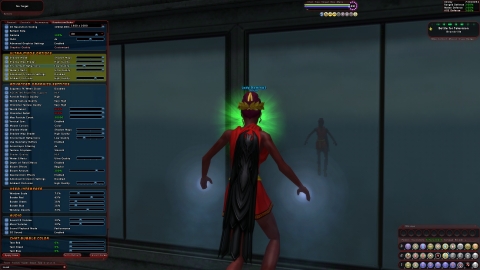
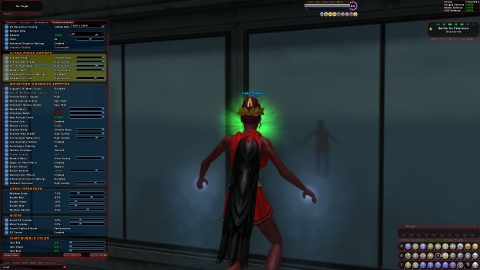
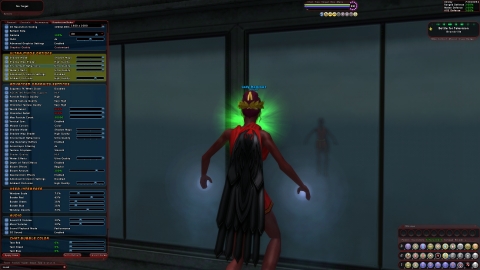
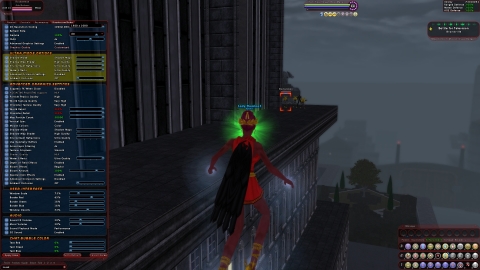
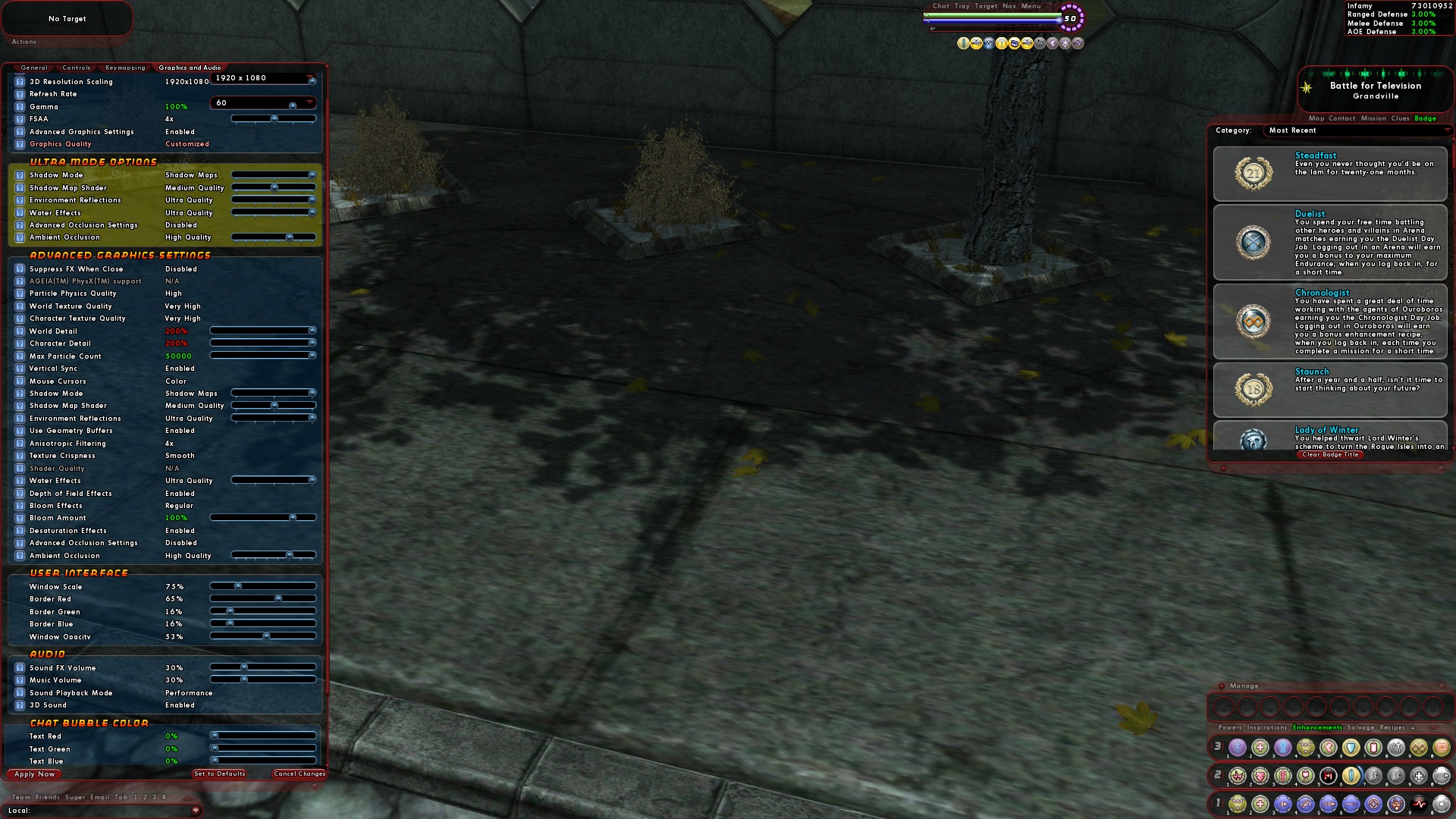
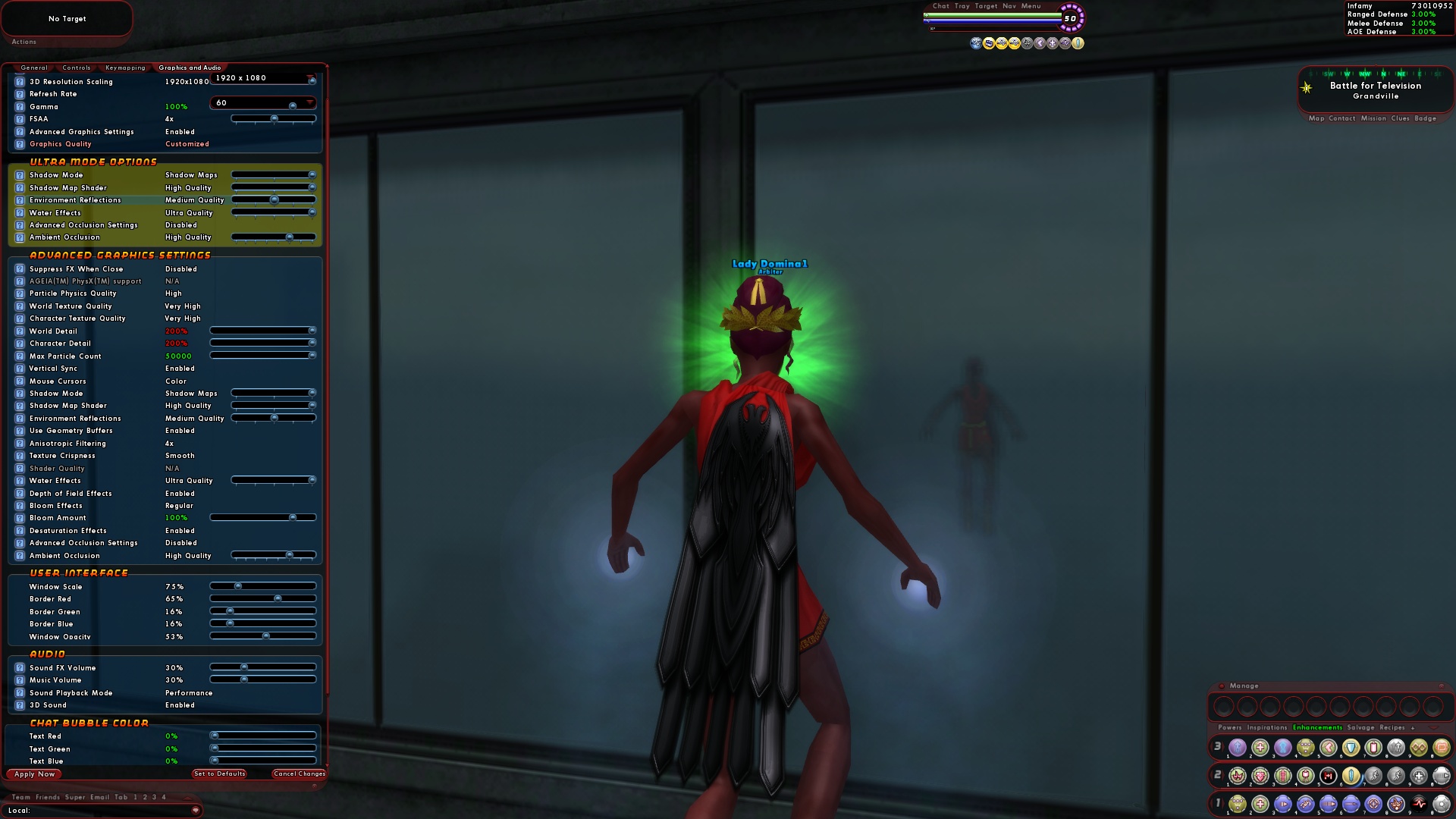
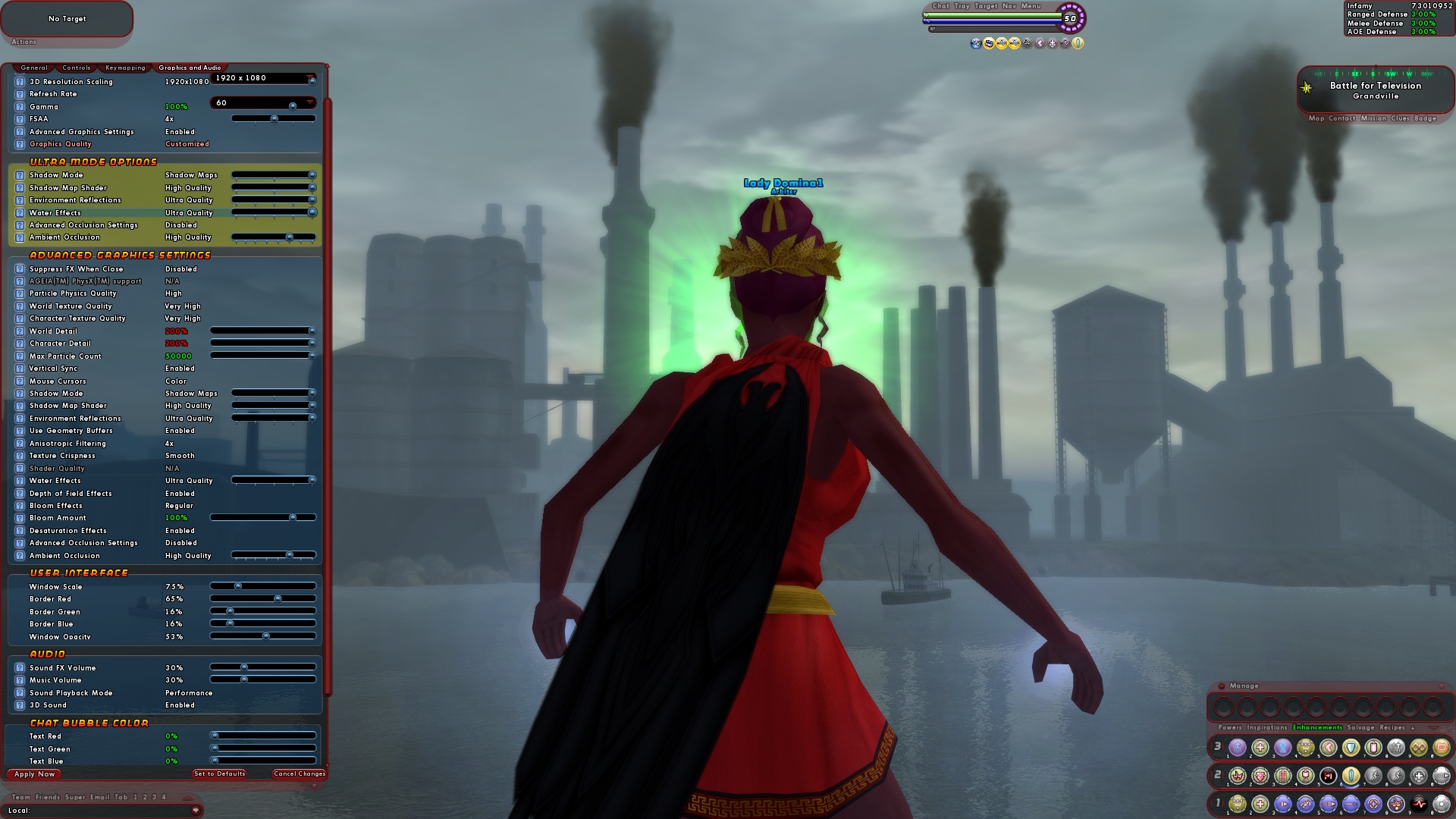
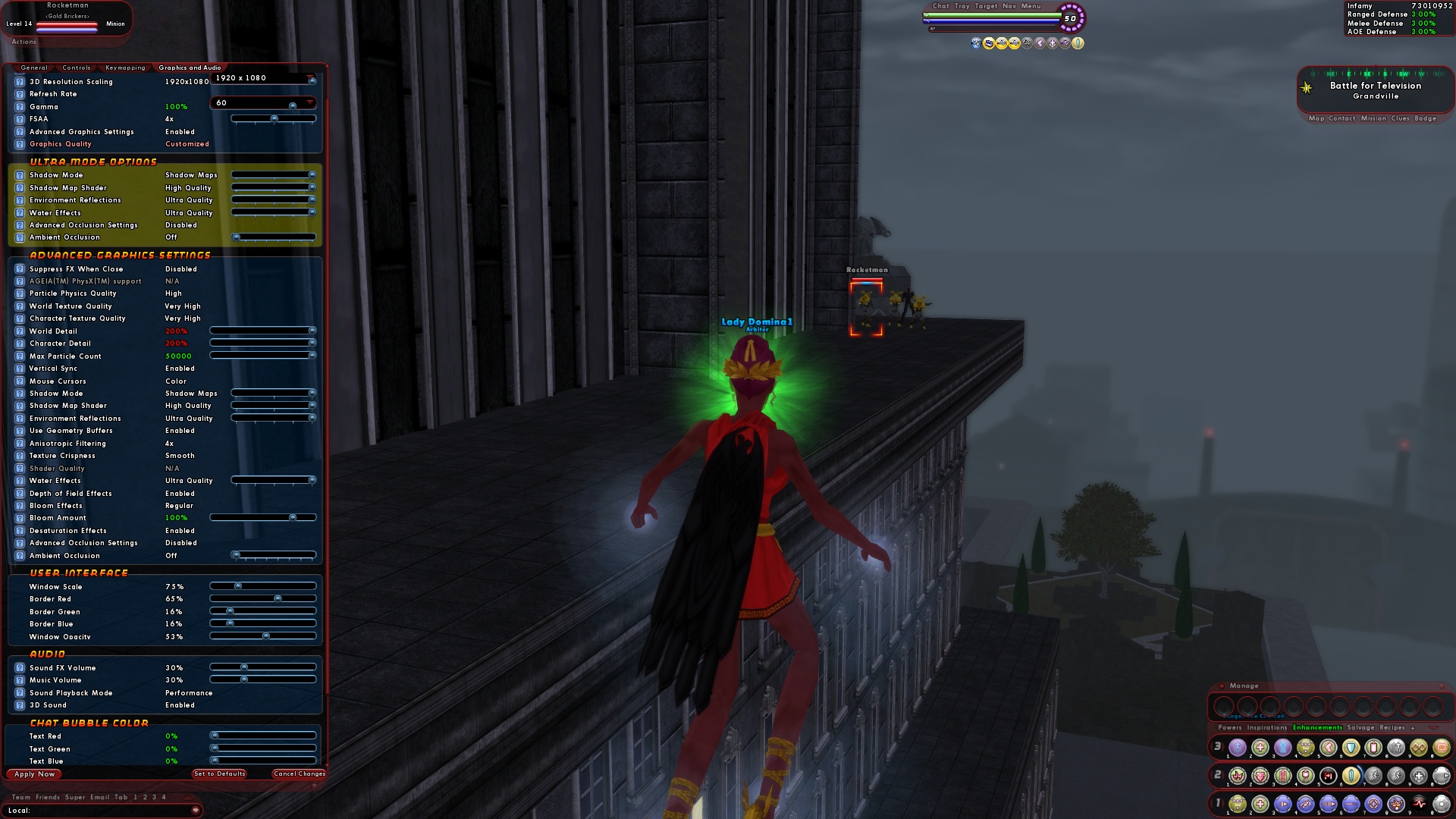
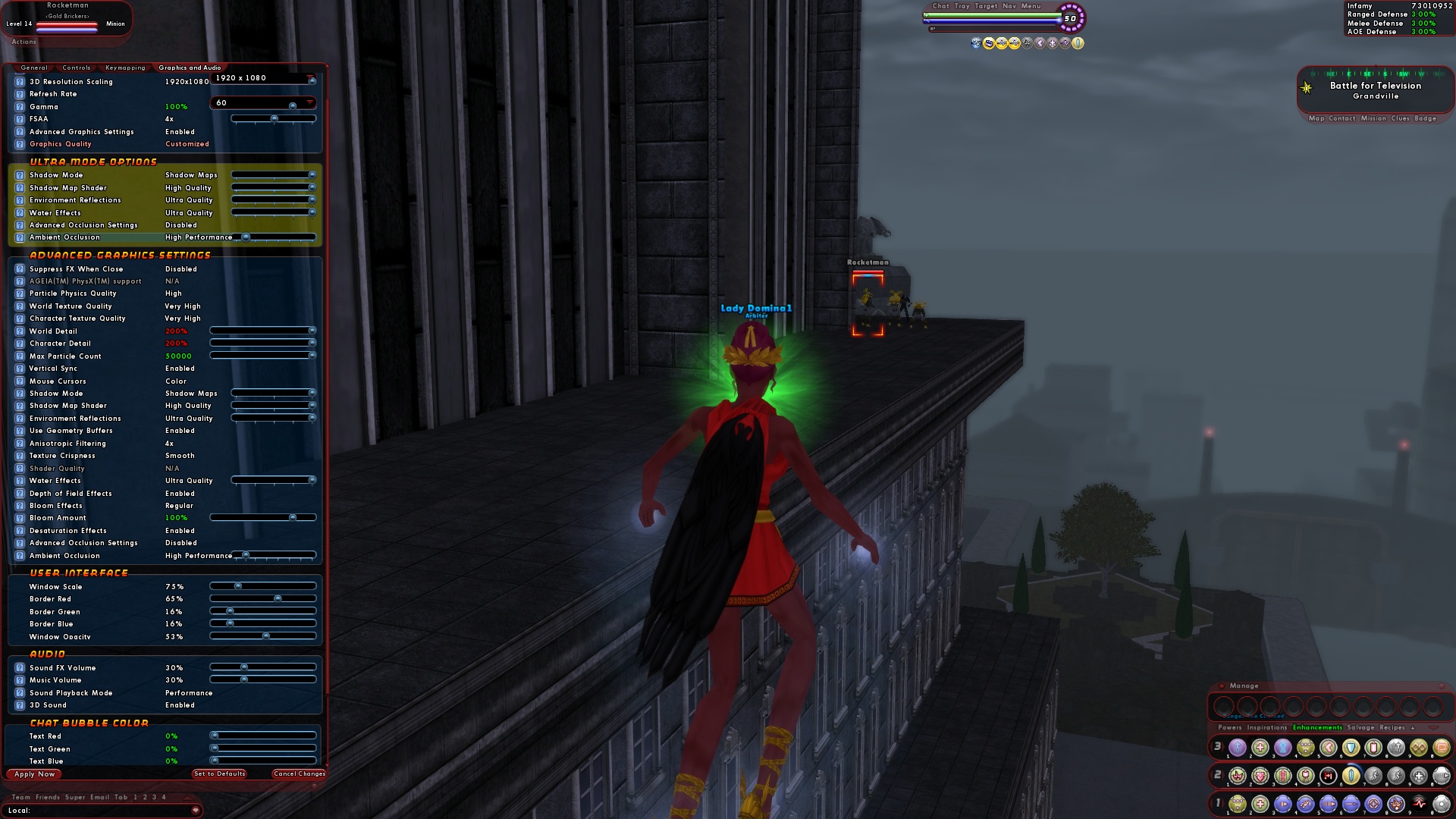
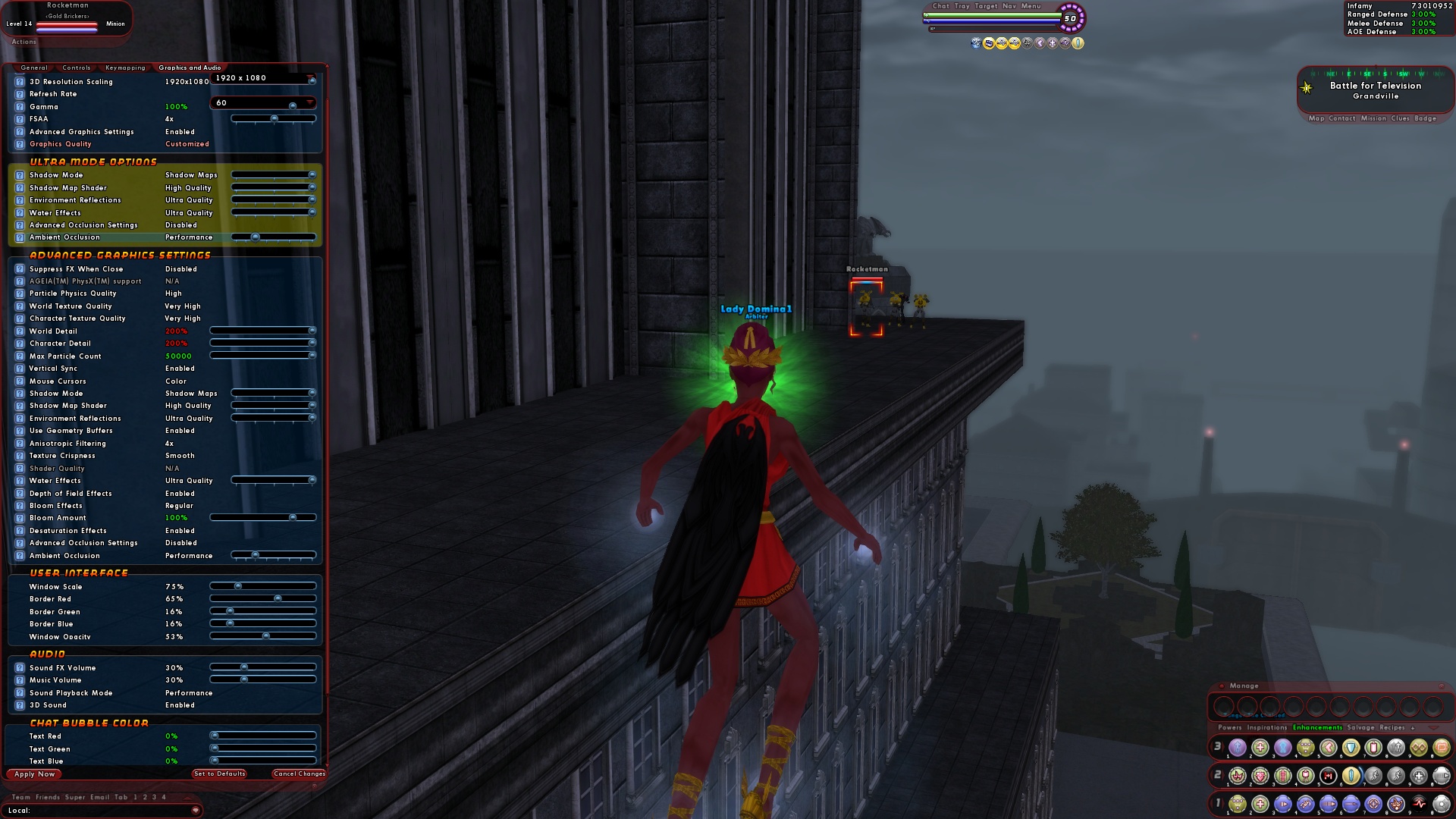
    Okay, to be blunt, if you avoid the tutorial and try to avoid the market you're essentially embracing poverty within the game. Plain and simple.

    Even just putting your salvage and desirable recipe drops up there will net you SCADS of inf. You don't have to flip, vendor recipes, or anything. Just put your stuff up on the market when you can't hold any more.
  5. Quote:
    Originally Posted by Samuel_Tow View Post
    People keep telling me that, but I have personally never seen any bidders for these inspirations, myself, or indeed seen them sell for much over 5000. Maybe it's bad timing on my part, I don't know.
    Depending on when you sell them, you can get anywhere between 10 and 100K easily.

    Some of it DOES tend to be luck though. But it's 10K you didn't have earlier.

    Even during the height of the "roll up a new DS MM" last week I cleared 75K after market fees. Red side.

    If you're in a MASSIVE hurry, you get less. During my attempt to make a million inf within one hour of character creation, I only cleared about 35K because I needed to turn stuff over so fast.
  6. Quote:
    Originally Posted by TwwIX View Post
    I have been away for a couple of months and i was shocked to see that the population of this server dropped so drastically. The server's are usually swamped during the release of a new issue. Especially this one. I have been soloing for the majority of the time since i have come back. So, what happened? Where did all the subscribers go?


    Waits for someone to tell you you need to actually find a team instead of sitting on your backside waiting to be flooded with blind invites.

    ...


    ...


    Whoops!

    Hint: With the new difficulty settings, you are NOT guaranteed a place on a team. For some players, you're merely a pity filler who actually slows them down and reduces their earnings. For others, you're still not needed as they can reduce the difficulty until they feel comfortable soloing.

    As such, you have to make a concerted, ACTUAL effort to get on or form a team.

    Also, right now the latest issue just dropped.

    A lot of people ARE teamed. They're off destroying their framerates with Ultra Mode and 8-man Demon Summoning Mastermind teams. They're badging. They're running some of the new arcs.

    Instead of being the 3,291,737,573rd person to date to gripe about it, expend a little effort. If stuff is handed to you, you don't appreciate it.
  7. Quote:
    Originally Posted by Golden Girl View Post
    I'd like more detailed makeup options for our avatars -like separate coloring for eyeliner and lips, rather than linking them together.
    Makeup slider

    Female:
    • None
    • Light
    • Medium
    • Heavy
    • Divine
    • Tammy Faye Baker
    Male:
    • Are you kidding?
    • None
    • Blemish cream
    • Metrosexual
    • Dee Schnieder
    • Gene Simmons
  8. Quote:
    Originally Posted by McCharraigin View Post
    Hello all.
    Yesterday, I was having no problem sending emails with goodies attached to my alts.

    This morning I sent off four, and never received any back.

    They are stuck in cyberspace somewhere

    I don't know if this is just me, or if the Devs are working on the system, or what...but just be careful today guys

    Lisa-Off to work with me.

    The entire global chat system died around 2-2:30 (Central) last night too.
    Not sure what's up with that.
  9. Hyperstrike

    SLI Win 7 64bit

    Quote:
    Originally Posted by Rroff View Post
    Using ultra quality settings (everything maxed except ambient occlusion which is on medium bilateral) I get a pretty decent boost from the 2nd card, in (solo) indoor missions I go from ~108 to 199fps. In outdoor scenes with low to medium amounts to render I get from ~68 to ~110fps. Unfortunatly tho in the places where you could really do with all the scaling you could get i.e. 8 player team doing TF or long view distance over the city the increase isn't as impressive, typically ~38 to 45fps tho it all helps.

    What resolution are you running at? That does make a difference.

    The testing I was doing was at ultra-high resolutions (25x20).
  10. Quote:
    Originally Posted by Zombie Man View Post
    Thanks to Zloth updating his CoHHelper, I was able to see what the registry settings are for the various Ambient Occlusion settings when Advanced Occlusion Settings is set to Disabled (having AdvOS set to Disabled means you don't pick which settings are used, the slider for Ambient Occlusion does; if you want to mix and match various settings yourself, then you set AdvOS to enabled).


    Ambient Occlusion: High performance
    Occlusion Strength: Slight
    Blur: Fast
    Ambient Resolution: High performance


    Ambient Occlusion: Performance
    Occlusion Strength: Slight
    Blur: Bilateral
    Ambient Resolution: Performance


    Ambient Occlusion: Balanced
    Occlusion Strength: Medium
    Blur: Bilateral
    Ambient Resolution: Performance


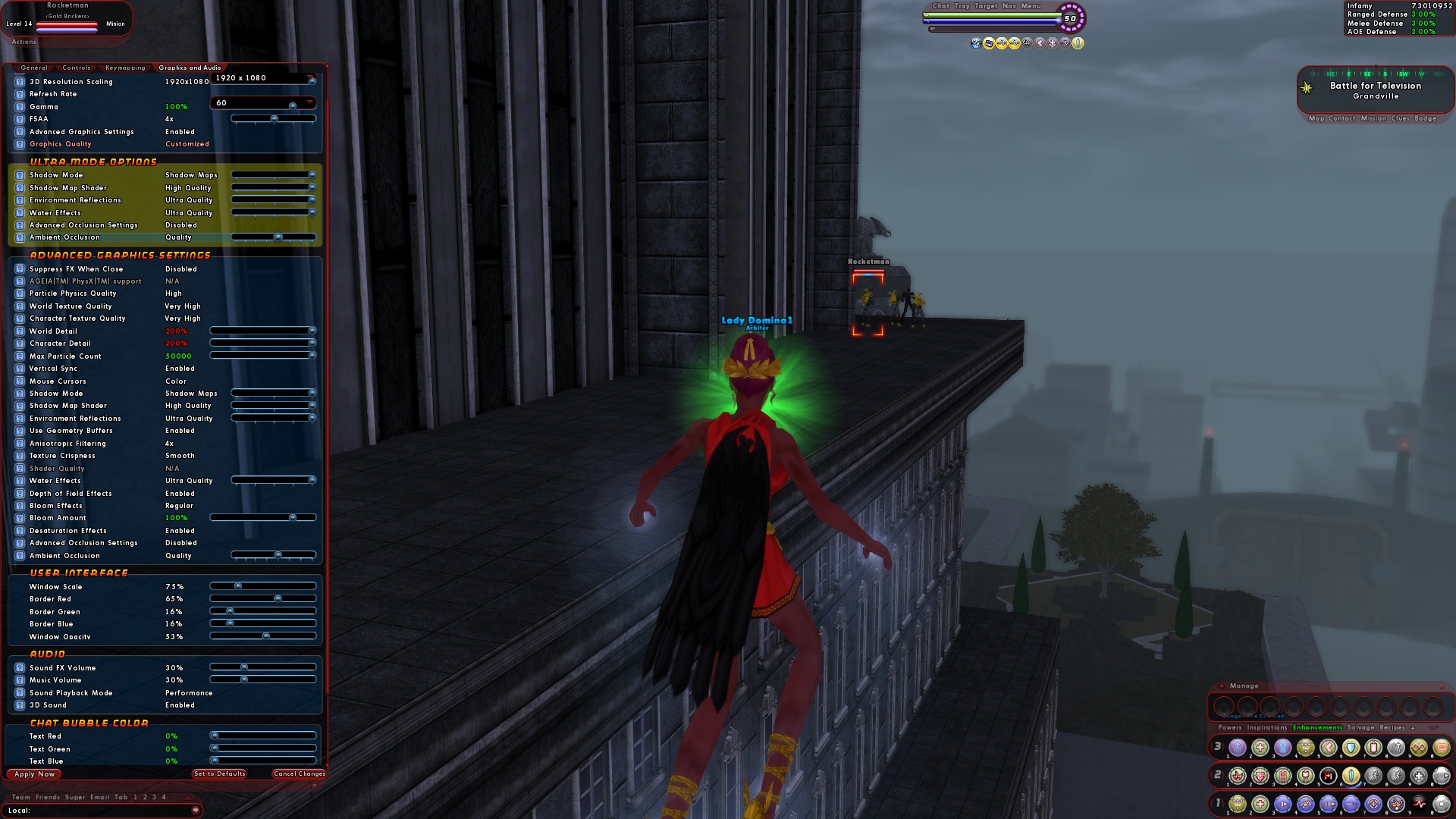
    Ambient Occlusion: Quality
    Occlusion Strength: Medium
    Blur: Trilateral
    Ambient Resolution: Quality


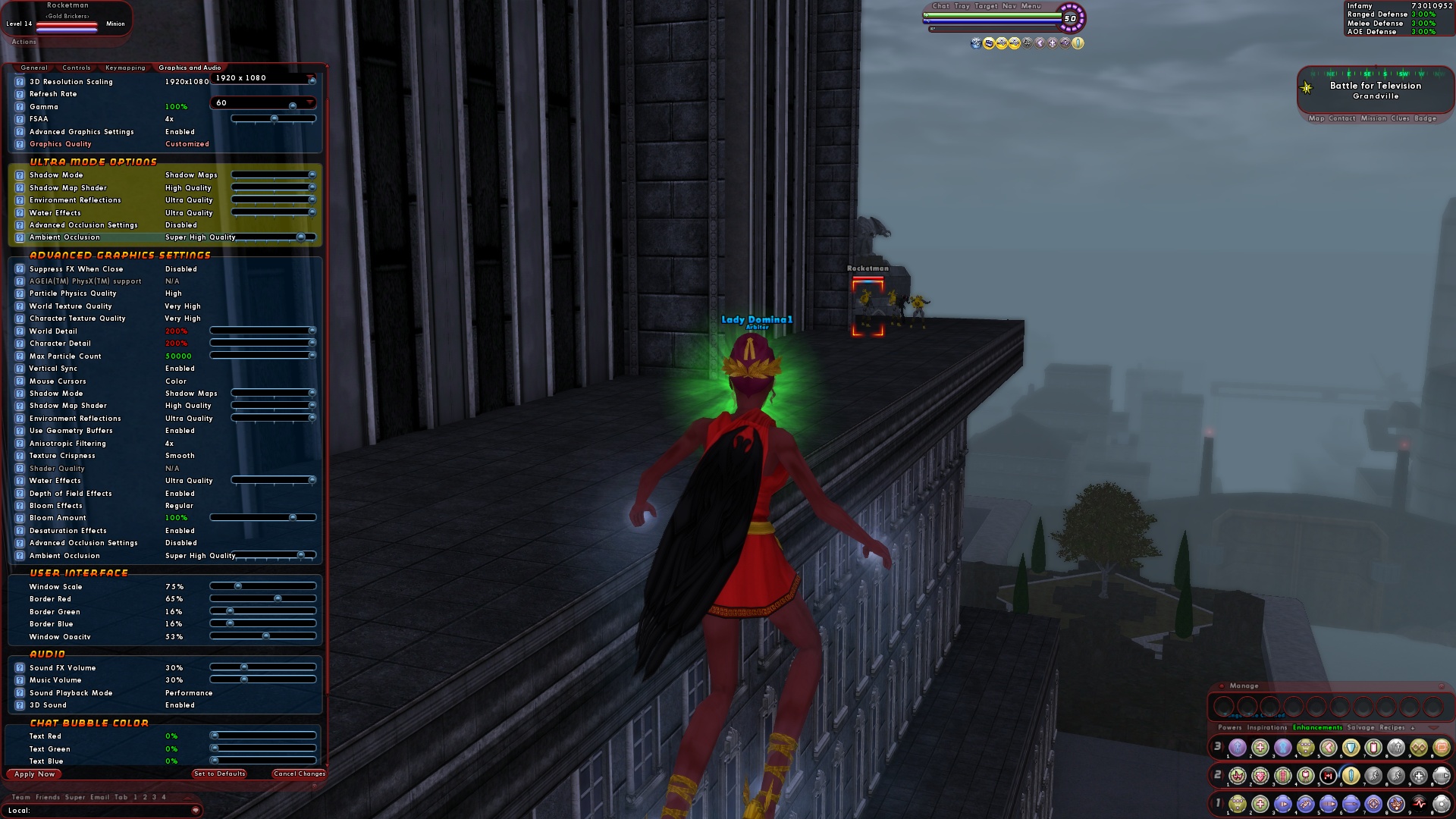
    Ambient Occlusion: High quality
    Occlusion Strength: Strong
    Blur: Trilateral
    Ambient Resolution: Quality


    Ambient Occlusion: High quality
    Occlusion Strength: Strong
    Blur: Trilateral
    Ambient Resolution: Quality


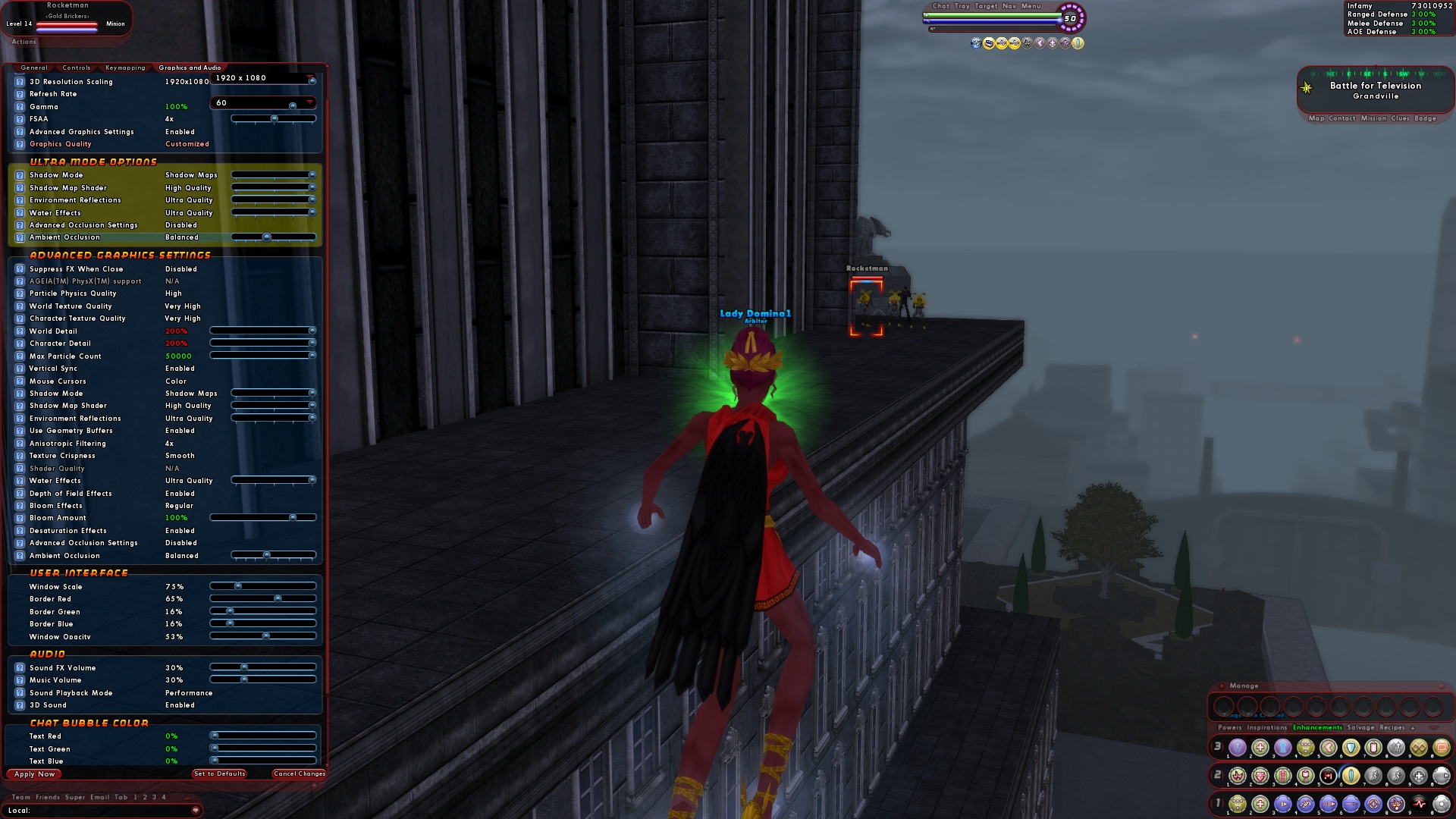
    Ambient Occlusion: Super high quality
    Occlusion Strength: Strong
    Blur: Trilateral
    Ambient Resolution: High quality


    Ambient Occlusion: Ultra
    Occlusion Strength: Strong with color bleeding
    Blur: Trilateral
    Ambient Resolution: Quality
    This is in there already (in a condensed format).
    You can actually see what settings do what (both for advanced graphics and AOS) by setting the mode with the slider, the toggling advanced mode on.

    But I like your formatting better so I'll probably swipe it.

  11. Hyperstrike

    SLI Win 7 64bit

    Did a bit of testing with this during beta.

    Now you CAN force AFR in the drivers.

    Realistically, and yes, you get a performance bump from it.

    Most of the activity is STILL confined to the primary video card. The SLI link gets very very little activity traveling across it.

    In short, it DOES utilize SLI, but it doesn't do it very well.
  12. Quote:
    Originally Posted by Wird_ View Post
    My search fu is terrible. I'm trying to find the -<command> for the updater to force processor speed.

    Can anyone help me?
    If you're trying to adjust it so your processor doesn't slow down due to higher heat levels, you'll need to go into the BIOS to change that. Usually there's an option to control power settings.
  13. Quote:
    Originally Posted by Kheldarn View Post
    Where's my /jranger button... >.>

    My only problem with them taking the AH down is that they never bothered to tell us that we could have stacks of Enhancements and/or Inspirations with the new UI, so it never got tested, so the bug made it Live.
    Agreed.

    As to "compensation".

    Bah. Just get the damn market working again. Don't worry about compensating anyone. It sucks. And there've been worse things that've happened after an issue went live.

    Not that I'd say no to a month's free rent on my base...
  14. Quote:
    Originally Posted by Nitra View Post
    Nice guide Hyper...

    I a wierd question for you, that you might know the answer...

    I am running to machines both have BFG 9800 gt's

    Both machines are running the same setup same mobo, cpu etc...

    The settings are the same as well in game, the thing is, one shows "shader quality" set to high the other one shows shader quality as N/A

    any idea what could be causing this? Could it be a driver thing? and does it matter?

    thanks for any help on this
    Identical OS?
    Identical driver revs?

    What I'd do is rip and reinstall the graphics drivers.
    Reboot the game on the n/a affected one in safe mode.
    Then re-tweak it.
  15. Quote:
    Originally Posted by Techbot Alpha View Post
    Oh, and says you that MMs are buff/support characters! Get in line, fleshling, the robotic horde is at work here!
    No. You misquoted me.

    I said the MM toon THEMSELVES is a buff/support toon for it's own minions.

    THAT is what I disliked.
  16. Quote:
    Originally Posted by Roderick View Post
    You don't lose anything when the market server goes down for maintenance with the other servers every week, why would you this time?
    Depends on how drastic the fix is. This is a bit more than weekly maintenance.

    And the bug WAS related to stacked items.

    Also, there were some issues in beta with stuff disappearing from the market during patches.

    While I'm not going to rectally suction-cup myself to a chair over it, I thin my concern is legitimate.
  17. The thing that drove me off playing MM for this long was that I just couldn't stand sitting back and playing buff/debuff bot.

    With DS, my inner scranker gets a bit of play and makes this set just an absolute BUTTLOAD (not a wimpy metric buttload, a real, manly, in-your-face IMPERIAL BUTTLOAD) of fun to play.

    The only reason I'm not well into my 20's right now is because I shut off XP to pick up a couple extra contacts (including unlockables) in PO and just restarted my XP gain again.

    Once I left the zig, I kicked to +0x3 and ran with it up until I hit CoT (and had to roll back to x2 because they just tore me apart).
  18. Are we there yet?


    Are we there yet?


    Are we there yet?


    Are we there yet?


    Are we there yet?


    Are we there yet?


    Are we there yet?


    Are we there yet?


    Are we there yet?


  19. Quote:
    Originally Posted by Pyber View Post
    Hopefully that's true that we won't lose anything. I'd hate to have what my villain marketeer still had listed on the BM prior to its being taken offline disappear, heh. And I sincerely hope that it doesn't take long to get this sorted out. My two latest Kins are about to hit 47 and I'd like to be able to slot them this weekend rather than have to wait until next week
    Ditto. My main villain had over 300 mil in stuff up for sale. If it's gone, I'm going to be one ticked little villain.
  20. Quote:
    Originally Posted by Ravenous33 View Post
    What type of Card are you running, just for referance
    The system this was generated with:

    Intel Core2Quad 2.5Ghz
    8GB PC26400 DDR2 Memory
    nVidia GTX260 (Driver Rev: 196.21, Current as of this post is 197.45)
    OS: Windows XP x64
  21. Quote:
    Originally Posted by TonyV View Post
    ..deletium
    This am sense you talking!
    This am NOT appreciated!
    YOU APOLOGIZE NAO!

  22. Hyperstrike

    Mids' for I17

    Okay one dumb question. Where exactly do you toggle on Ninja Run?
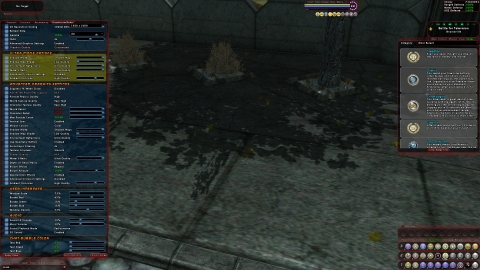
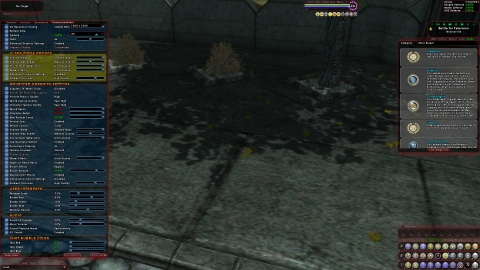
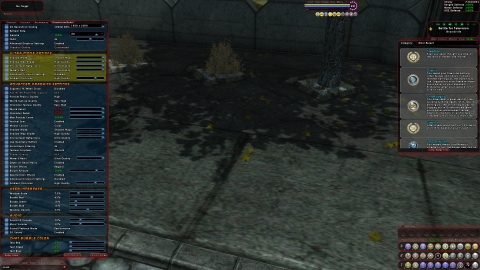
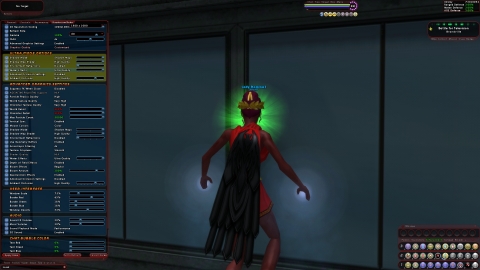
  23. Note: Okay guys, starting this now as a breakdown of UM graphics settings as a whole.

    Also, je saist has put up an excellent screenshot reference for what the various changes do in-game. You can find that guide HERE.

    If you want input on this document, feel free to post in this thread for inclusion.

    Addendum 03/23/10: I know some of the terminology used here is obscure and really not layman-friendly. My problem is that I understand some of the terminology myself at a very shallow level. Simplifying it, presenting good graphical examples, and communicating some of it is going to be beyond me however.

    Quick Formatting Key.

    Section Header: Bolded and Underlined
    First Level Options: Bold, Orange, indented once. Regardless of level of detail following in descriptor/options-breakdown.
    Second Level Options: Bold, Yellow, indented twice.
    *: Requires a restart of the game to take effect.


    Graphics and Audio
    Note: Where you see "See Ultra Mode Settings", it means the interface is actually a duplicate of an identical setting manipulator in the Ultra Mode section. (In beta, this is due to some of them being remnants of an older interface layout.)

    Graphics
    Screen/UI Resolution*: Specifies what resolution your monitor is set at and what resolution the UI displays at. You can additionally specify that the 3D world be rendered in a lower resolution below for better performance. Higher settings will look better but yield slower performance, but the performance decrease can be offset with 3D Resolution Scaling below.
    3D Resolution Scaling: Specifies what resolution the 3D world is rendered at. Setting this to 100% will have the best visual look, and is how games are traiditionally rendered. Setting this to a lower value will leave your UI at a crisp, high resolution but render the 3D world at a lower resolution for increased performance.
    Refresh Rate*: Essentially you're telling the game how many frames a second it should render.
    Gamma: Effectively adjusts the brightness to compensate for dark or bright displays. No effect on performance.
    30% to 300% (100 is default, Lower Number = Brighter/More washed out)
    FSAA (Full Scene Anti-Aliasing): Avoids/smooths out "jaggies"
    Advanced Graphics Settings:
    Enable
    Disable
    Graphics Quality: Minimum to Ultra (Greyed when AGS is enabled. List of corresponding slider settings in post below.)
    Ultra Mode Options
    Shadow Mode:
    Disabled: No shadows.
    Stencil Shadows: Renders the entire scene as if in shadow, then creates masks for every available light source.
    Shadow Maps: Renders shadows based on whether or not a pixel is visible from the light source.
    Shadow Map Shader: Determines quality of the rendering when shadow maps are enabled.
    Low

    Medium

    High

    Environment Reflections: Handles the game's rendering of reflections off objects (like windows) in the environment.
    Disabled

    Low

    Medium

    High
    Ultra

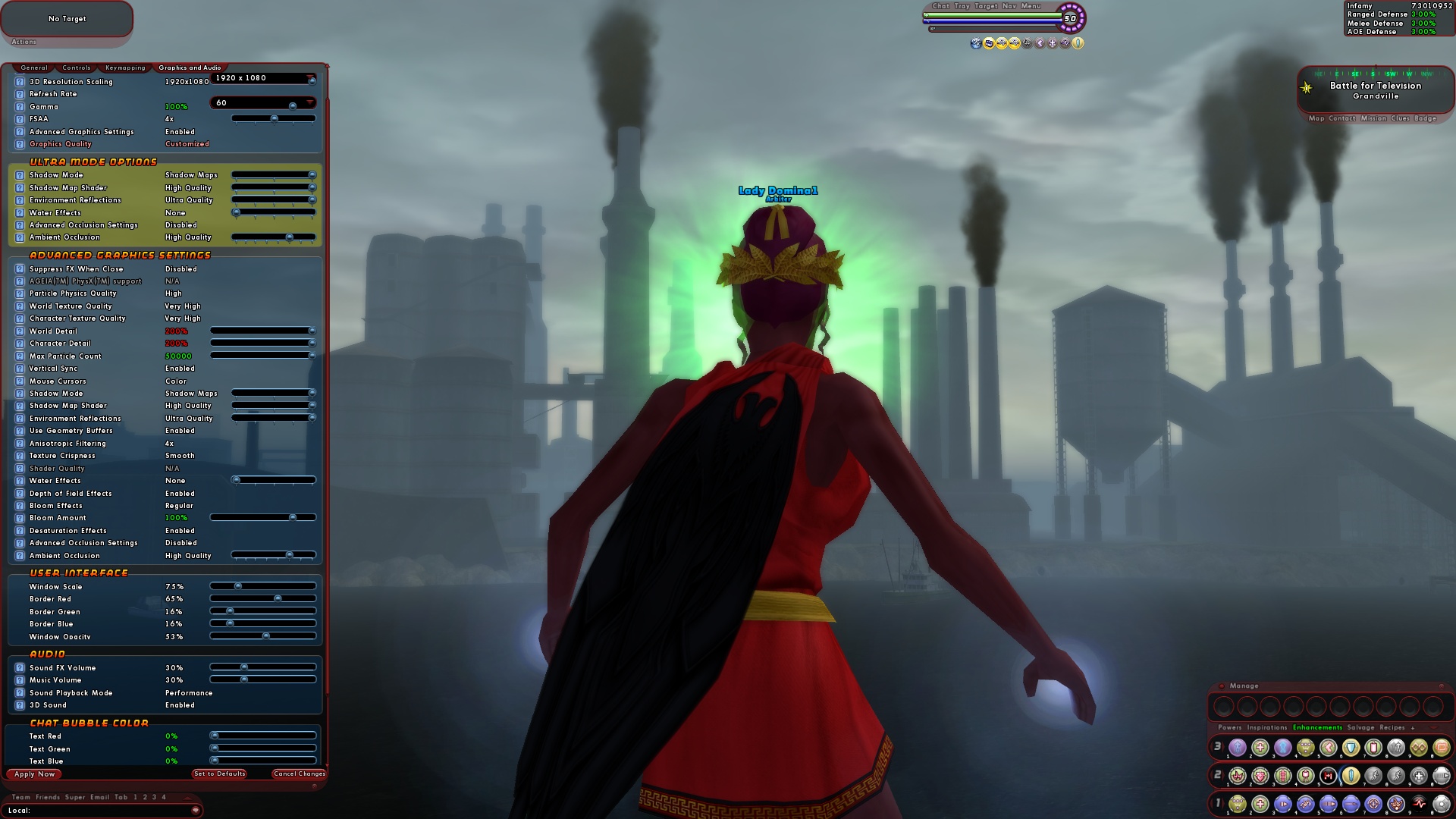
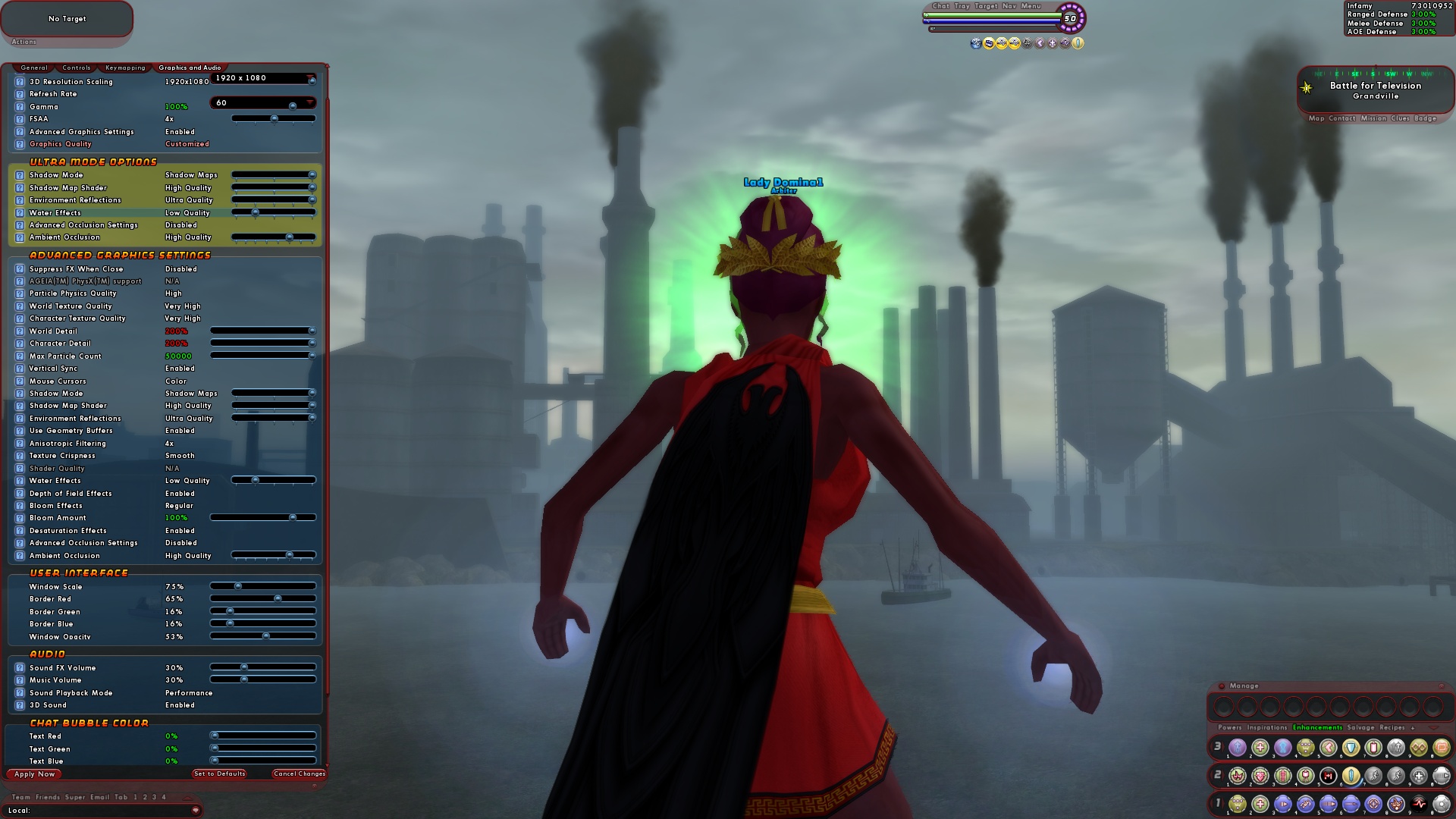
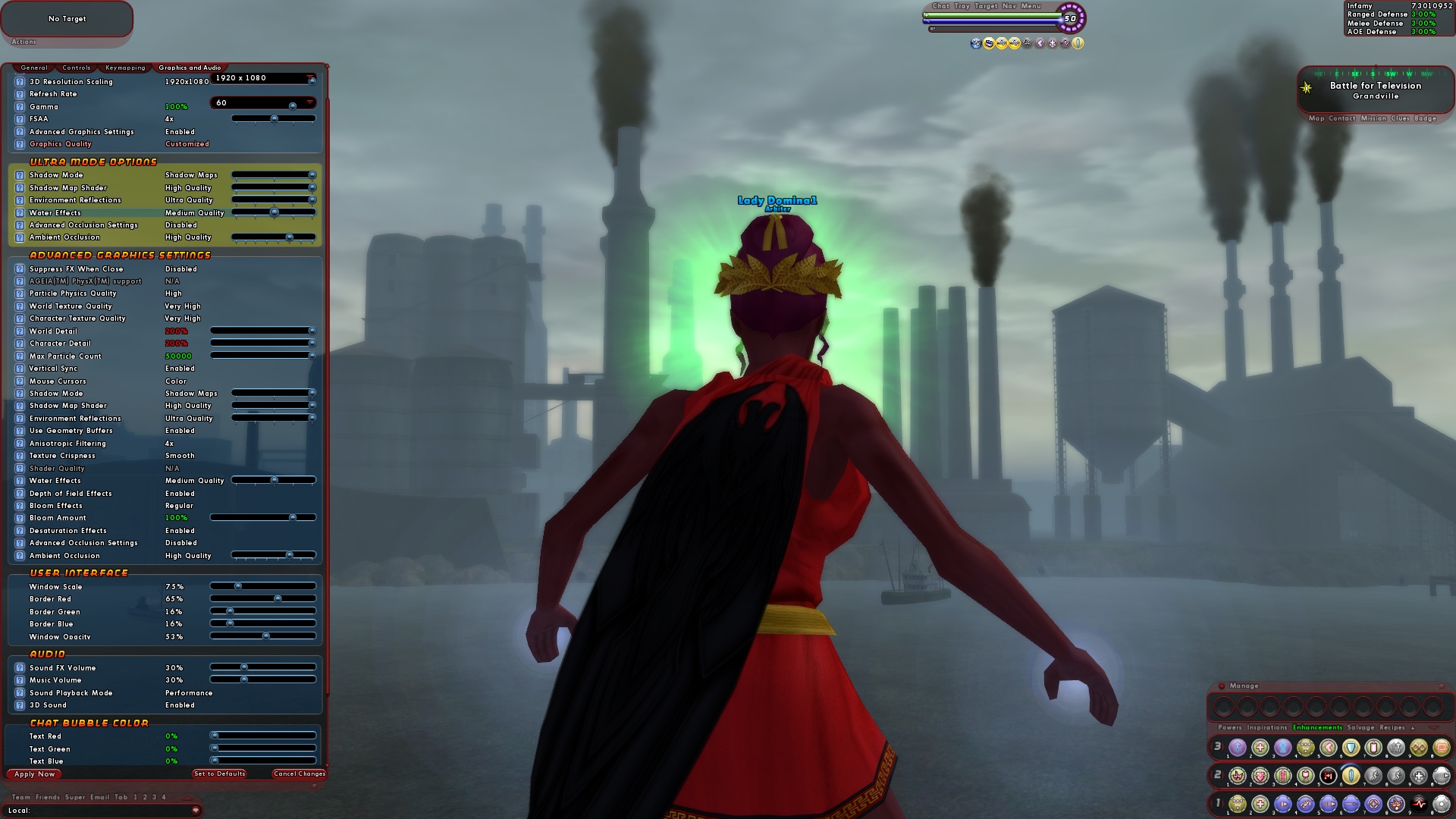
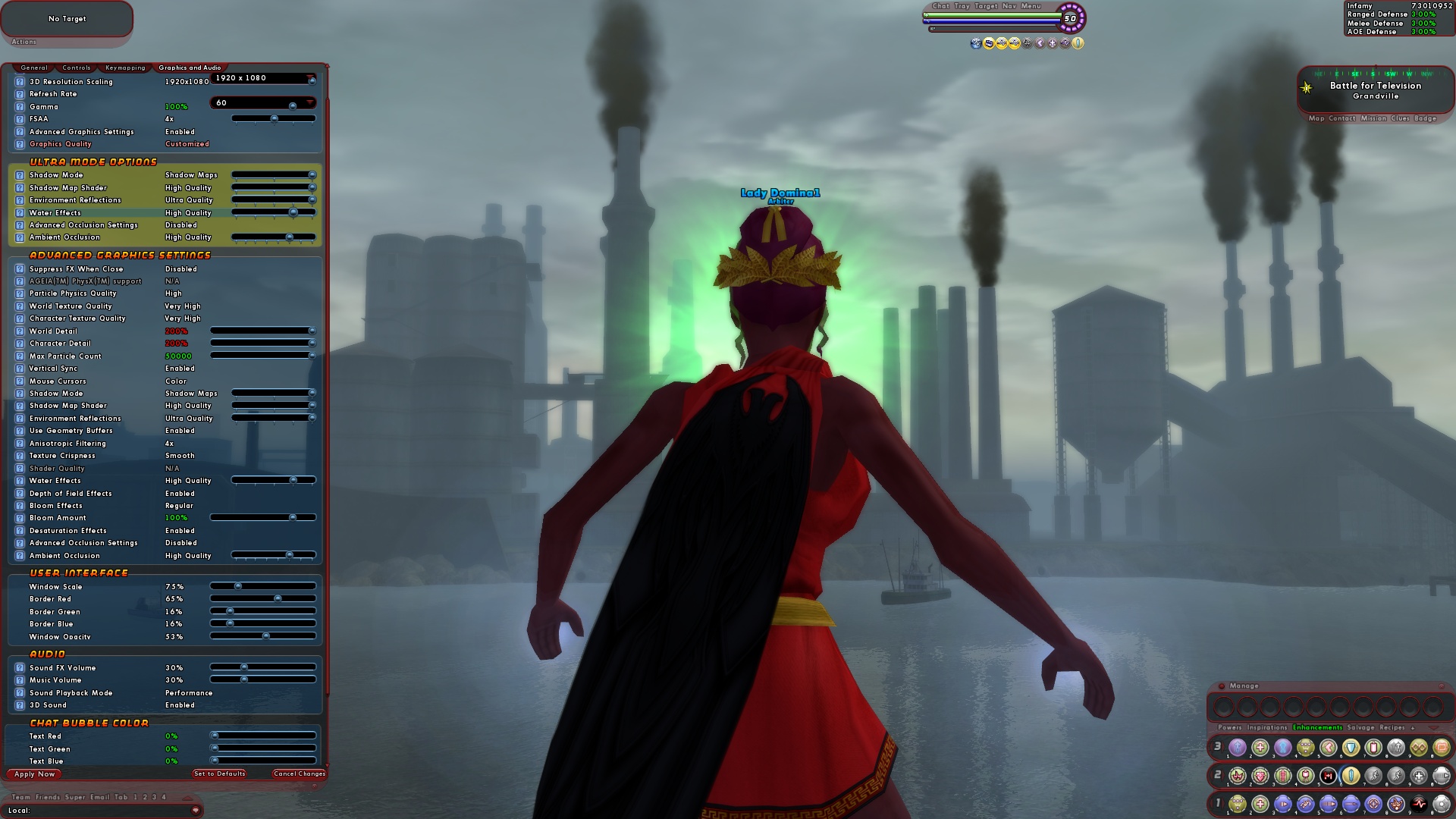
    Water Effects: Handles the game's rendering of water and water-based reflections.
    None: No refractions and no reflections.
    Low Quality: Low quality refractions.

    Medium Quality: High quality refractions.
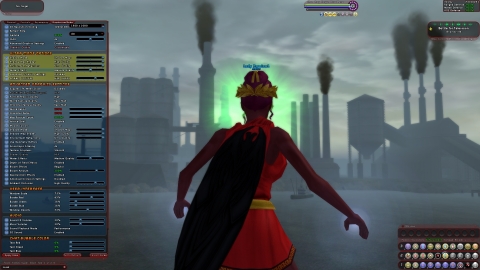
    High Quality: High quality refractions and some reflections.
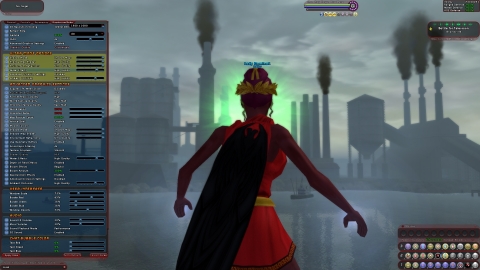
    Ultra Quality: High quality refractions and lots of reflections.
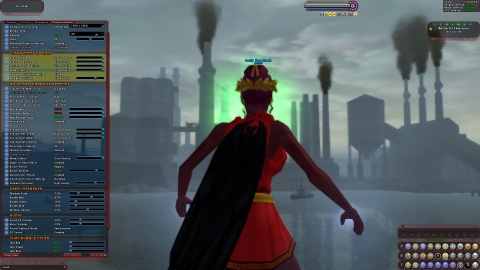
    Advanced Occlusion Settings: Ambient occlusion attempts to approximate the way light radiates in real life, especially off what are normally considered non-reflective surfaces.
    Enabled
    Disabled
    Ambient Occlusion: (Used if advanced occlusion settings not on)
    Off

    High Performance

    Performance

    Balanced

    Quality
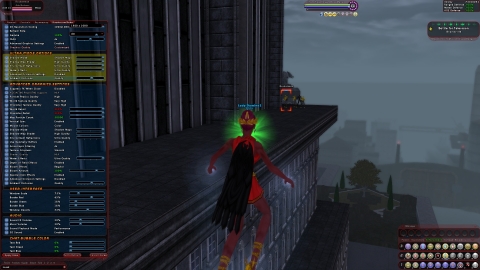
    High Quality
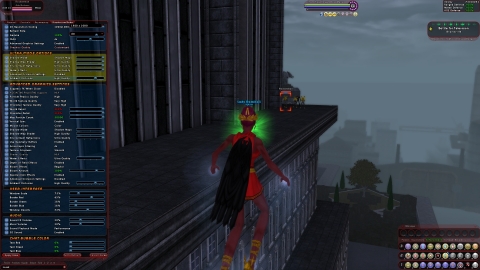
    Super High Quality
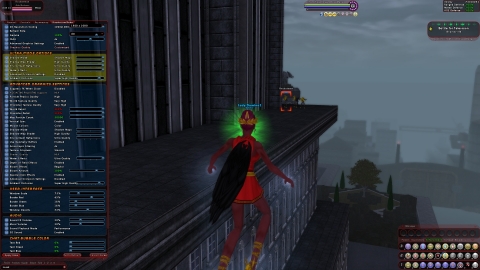
    Ultra
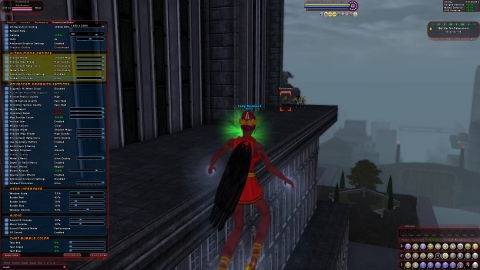
    Advanced Occlusion Settings (Only on when activated under Advanced Graphics Settings)
    Occlusion Strength:
    Off
    Slight
    Medium
    Strong

    Strong with color bleeding: The phenomenon in which objects or surfaces are colored by reflection of colored light from nearby surfaces.
    Ambient Resolution: Changes the resolution of the sampling and occlusion buffers. Lower values will yield improved performance but the edges of objects will be blurry. For small 3D resolutions, this can be set higher with minimal decrease in performance.
    High Performance: Recommended with the fast blur.
    Performance: Recommended with the Bilateral Blur
    Quality: Recommended with the Trilateral Blur
    High Quality: Recommended with the Trilateral Blur
    Super High Quality
    Blur: Changes the sharpness of the ambient occlusion. Lower values will only yield improved performance in older video cards. Higher values have little or no impact on newer video cards.
    No Blur: Extremely low quality (only useful for older DirectX 9 video cards)
    Fast: High performance (optiomized for DirectX 9 video cards)
    Gaussian: Performance. A smooth image blur that reduces image noise artifacts. Like looking at it through a translucent screen.
    Bilateral: Performance (edge preservation). An edge-preserving blur filter that replaces pixels as a weighted average of their neighboring pixels.
    Gaussian Depth: Quality (edge detection). A Gaussian Blur with additional depth-of-field effects.
    Bilateral Depth: Quality (soft edge detection). A Bilateral blur with additional depth of field effects.
    Trilateral: High Quality: Provides greater image noise reduction and better filtering in high-contrast areas.
    Slider Equivallents for advanced settings:
    Off: Off/NA/NA
    High Performance: Slight/High Performance/Fast
    Performance: Slight/Performance/Bilateral
    Balanced: Medium/Performance/Bilateral Quality: Medium/Quality/Trilateral
    High Quality: Strong/Quality/Trilateral
    Super High Quality: Strong/High Quality/Trilateral
    Ultra: Strong with color bleeding/Quality/Trilateral
    Advanced Graphics Settings
    Suppress FX When Close: (Stops visual effects when enabled and you zoom your camera in really close.)
    Enable
    Disable

    AGEIA(TM) PhysX(TM) Support: Hardware/Software Physics acceleration.
    Particle Physics Quality: Controls visual effects such as explosions, smoke/fog, water displacement (splashing), precipitation (falling water), etc.
    None
    Medium
    High
    Very High (Recommends PPU)
    World Texture Quality: Handles how well textures in your environment are rendered.
    Low
    Medium
    High
    Very High

    Character Texture Quality: Handles how well textures on player/NPC models are rendered.
    Low
    Medium
    High
    Very High

    World Detail: Changes the detail level of the world. This affects how far you can see details on things like buildings. Lower values yield increased performance.
    50%-200% (100 is default)
    Character Detail: Changes the detail level of characters. This affects how far you can see high resolution versions of characters such as heroes or villains. Lower values yield increased performance.
    30%-200% (100 is default)
    Max Particle Count: Caps the number of particles being computed and drawn in special effects. Lower values will yield better performance.
    100-50,000
    Vertical Sync: Syncs your frame rate with your monitor's screen refresh rate.
    Enabled
    Disabled

    Shadow Mode: See in Ultra Mode Settings
    Shadow Map Shader: See in Ultra Mode Settings
    Environment Reflections: See in Ultra Mode Settings
    Use Geometry Buffers: Helps to optimize rendering by computing what is and is not visible. This way you render only what is visible.
    Anisotropic Filtering: Enhances the image quality of textures that are viewed at oblique angles.
    Texture Crispness: Changes how textures are drawn ("texture Level of Detail Bias"). Any value other than "Smooth" does not look good if your video card supports Anisotropic Filtering. Works in conjunction with Anisotropic Filtering to determine how accurately to render textures viewed at an oblique angle.
    Smooth
    Medium (Not Recommended)
    Crisp (Not Recommended)

    Shader Quality: Shaders are sets of instructions for rendering visual effects on game geometry.
    Lowest
    Low (No World Bumpmaps:Surfaces appear pristine with no texture deformations. (Think: Pingpong ball.)
    Low (With World Bumpmaps): Surfaces are more textured, possibly pitted or extruding above the surface of the raw geometry. (Think: Golf ball.
    Medium
    High

    N/A: (Essentially High when Graphics Quality under Graphics set to Quality or better)

    Water Effects: See Ultra Mode Settings
    Depth of Field Effects:
    Enabled
    Disabled

    Bloom Effects: Enables or disables full-screen postprocessing effects, including Bloom and Light Adaptation. Turning it off will yield an increase in performance. Bloom is shader effect that simulates the blurring of image edges when backed by a bright light source. Note: Bloom is meant to simulate how light is captured in this way by a camera. This, this is simulation of a visual artifact in certain media.
    None
    Regular
    Heavy

    Bloom Amount: The amount of Bloom to apply. Higher values will make bright objects appear to glow more intensely.
    10%-200% (100 is default)
    Desaturation Effects: Where the color is leached from the image giving a grayscale or sepia tone (Flashback missions do this)
    Enabled
    Disabled

    Advanced Occlusion Settings: See Ultra Mode Settings
    Ambient Occlusion: See Ultra Mode Settings


    Slider Equivallents for advanced settings:
    Off: Off/NA/NA
    High Performance: Slight/High Performance/Fast
    Performance: Slight/Performance/Bilateral
    Balanced: Medium/Performance/Bilateral Quality: Medium/Quality/Trilateral
    High Quality: Strong/Quality/Trialateral
    Super High Quality: Strong/High Quality/Trilateral
    Ultra: Strong with color bleeding/Quality/Trilateral

    And here's a current list of what changes when you use the Graphics Quality slider, as opposed to manually setting up in Advanced Mode..

    And, because SOMEONE will ask (Hey, *I* was stupid enough to). Safe Mode is the same as Minimum, but resolution is reduced to 800x600.

    Graphics Quality: Minimum

    Ultra Mode Options:
    Shadow Mode: Disabled
    Environment Reflections: Disabled
    Water Effects: None
    Advanced Occlusion Setings: Disabled
    Ambient Occlusion: Off

    Advanced Graphics Settings:
    Suppress FX When Close: Enabled
    Particle Physics Quality: None (No Particle Physics)
    World Texture Quality: Low
    Character Texture Quality: Medium
    World Detail: 50%
    Character Detail: 30%
    Max Particle Count: 100
    Vertical Sync: Disabled
    Anisotropic Filtering: Off
    Texture Crispness: Crisp
    Shader Quality: Lowest
    Depth of Field Effects: Disabled
    Bloom Effects: None
    Desaturation Effects: Disabled

    Graphics Quality: Performance

    Ultra Mode Options:
    Shadow Mode: Stencil Shadows
    Environment Reflections: Disabled
    Water Effects: None
    Advanced Occlusion Setings: Disabled
    Ambient Occlusion: Off
    Advanced Graphics Settings:
    Suppress FX When Close: Disabled
    Particle Physics Quality: None (No Particle Physics)
    World Texture Quality: Medium
    Character Texture Quality: Very High
    World Detail: 80%
    Character Detail: 100%
    Max Particle Count: 50,000
    Vertical Sync: Disabled
    Anisotropic Filtering: 4x
    Texture Crispness: Smooth
    Shader Quality: Low (No world bumpmaps)
    Depth of Field Effects: Disabled
    Bloom Effects: None
    Desaturation Effects: Enabled

    Graphics Quality: Recommended

    Ultra Mode Options:
    Shadow Mode: Stencil Shadows
    Environment Reflections: Disabled
    Water Effects: Medium Quality
    Advanced Occlusion Setings: Disabled
    Ambient Occlusion: Off
    Advanced Graphics Settings:
    Suppress FX When Close: Disabled
    Particle Physics Quality: Medium
    World Texture Quality: Very High
    Character Texture Quality: Very High
    World Detail: 100%
    Character Detail: 100%
    Max Particle Count: 50,000
    Vertical Sync: Enabled
    Anisotropic Filtering: 4x
    Texture Crispness: Smooth
    Shader Quality: High
    Depth of Field Effects: Enabled
    Bloom Effects: Regular
    Bloom Amount: 100%
    Desaturation Effects: Enabled

    Graphics Quality: Quality

    Ultra Mode Options:
    Shadow Mode: Shadow Maps
    Shadow Map Shader: Low Quality
    Environment Reflections: Low Quality
    Water Effects: High Quality
    Advanced Occlusion Setings: Disabled
    Ambient Occlusion: High Performance
    Advanced Graphics Settings:
    Suppress FX When Close: Disabled
    Particle Physics Quality: High
    World Texture Quality: Very High
    Character Texture Quality: Very High
    World Detail: 100%
    Character Detail: 100%
    Max Particle Count: 50,000
    Vertical Sync: Enabled
    Anisotropic Filtering: 4x
    Texture Crispness: Smooth
    Shader Quality: N/A
    Depth of Field Effects: Enabled
    Bloom Effects: Regular
    Bloom Amount: 100%
    Desaturation Effects: Enabled
    Graphics Quality: Ultra

    Ultra Mode Options:
    Shadow Mode: Shadow Maps
    Shadow Map Shader: High Quality
    Environment Reflections: High Quality
    Water Effects: Ultra Quality
    Advanced Occlusion Setings: Disabled
    Ambient Occlusion: High Quality
    Advanced Graphics Settings:
    Suppress FX When Close: Disabled
    Particle Physics Quality: High
    World Texture Quality: Very High
    Character Texture Quality: Very High
    World Detail: 100%
    Character Detail: 100%
    Max Particle Count: 50,000
    Vertical Sync: Enabled
    Anisotropic Filtering: 4x
    Texture Crispness: Smooth
    Shader Quality: N/A
    Depth of Field Effects: Enabled
    Bloom Effects: Regular
    Bloom Amount: 100%
    Desaturation Effects: Enabled
  24. Quote:
    Originally Posted by Archantos View Post
    An extreme success! (as all the previous ones have been!)

    I am glad that I talked my friend "Scorched" into making a fire/rad! Though I need some advice (for him) regarding his build order (with the super team in mind)

    Any links or suggestions?

    Okay, a teaming Fire/Rad build has lots of space.

    Recommended Powers
    1: Char
    1: Radiant Aura
    2: Fire Cages
    4: Accelerate Metabolism (3-slot for recharge ASAP)
    8: Hot Feet
    12: Flashfire
    28: Choking Cloud
    32: Fire Imps

    Other nice things to have:

    Optional Powers
    Radiation Infection (Debuffs to-hit and defense)
    Enervating Field (Debuffs damage and damage resistance)
    Cinders (AoE Hold)
    Stamina
    Mutation (For the rare occasions when someone faceplants so they can avoid slowing you down with a hospital run)


    Post has a "how's my build look" thread up in the controller section and Local Man provided a decent breakdown of power selections there.
  25. Quote:
    Originally Posted by Zekiran_Immortal View Post
    Hehe I didn't think of taking any of the groups that wound up in the Hospital all at once. Would have been an interesting way to see who dies a lot
    aka The Hamburger Brigade